
Download shadPS4 – PS4 Emulator, PlayStation 4 Emulator, Windows emulator, Linux emulator, free PS4 emulator, PC gaming, gaming emulator, play PS4 games on PC, emu, emulator, gaming, PC
Overview
shadPS4 is a PC-based emulator designed to run PlayStation 4 games on Windows and Linux systems. Its primary purpose is to enable users to experience PS4-exclusive titles on non-console hardware, offering an alternative path for gamers who wish to play high-profile games without owning a physical PlayStation 4. The app addresses the demand for cross-platform access to console content, particularly for titles with strong community followings and lasting appeal. Target users include retro gaming enthusiasts, PC gamers seeking expanded libraries, and tech-savvy individuals interested in emulation technology.
Although the developer, shadPS4, has not provided additional background information, the app’s functionality suggests a focus on accessibility and compatibility. The emulator supports a growing number of PS4 games, with notable titles like Bloodborne already confirmed as playable. This makes it particularly valuable for fans of exclusive content and immersive gameplay experiences. In the broader app ecosystem, shadPS4 contributes to the ongoing evolution of PC gaming, expanding the boundaries of what is possible with software-based emulation. Its presence highlights the increasing capability of open-source and community-driven projects to deliver meaningful alternatives to commercial platforms.
Key Features & Functionality
- User-Friendly Setup: The emulator features a streamlined installation process. Upon first launch, it automatically generates a 'user' folder containing a 'config.toml' file, allowing users to customize settings such as display mode, audio output, and input mappings. This intuitive configuration enables quick personalization without requiring technical expertise.
- Growing Compatibility List: shadPS4 supports over a dozen PS4 titles, with several being fully playable. The compatibility list is actively updated, and users are encouraged to visit the official website for the latest information. This ongoing development reflects the project’s commitment to expanding its library and improving performance.
- PKG Installation Process: Unlike traditional emulators that rely on ROMs, shadPS4 uses PKG files—official game packages—to install titles. The process is handled through a dedicated File tab, making it straightforward for users to load and install games. Installation time varies depending on file size, ranging from seconds to several minutes.
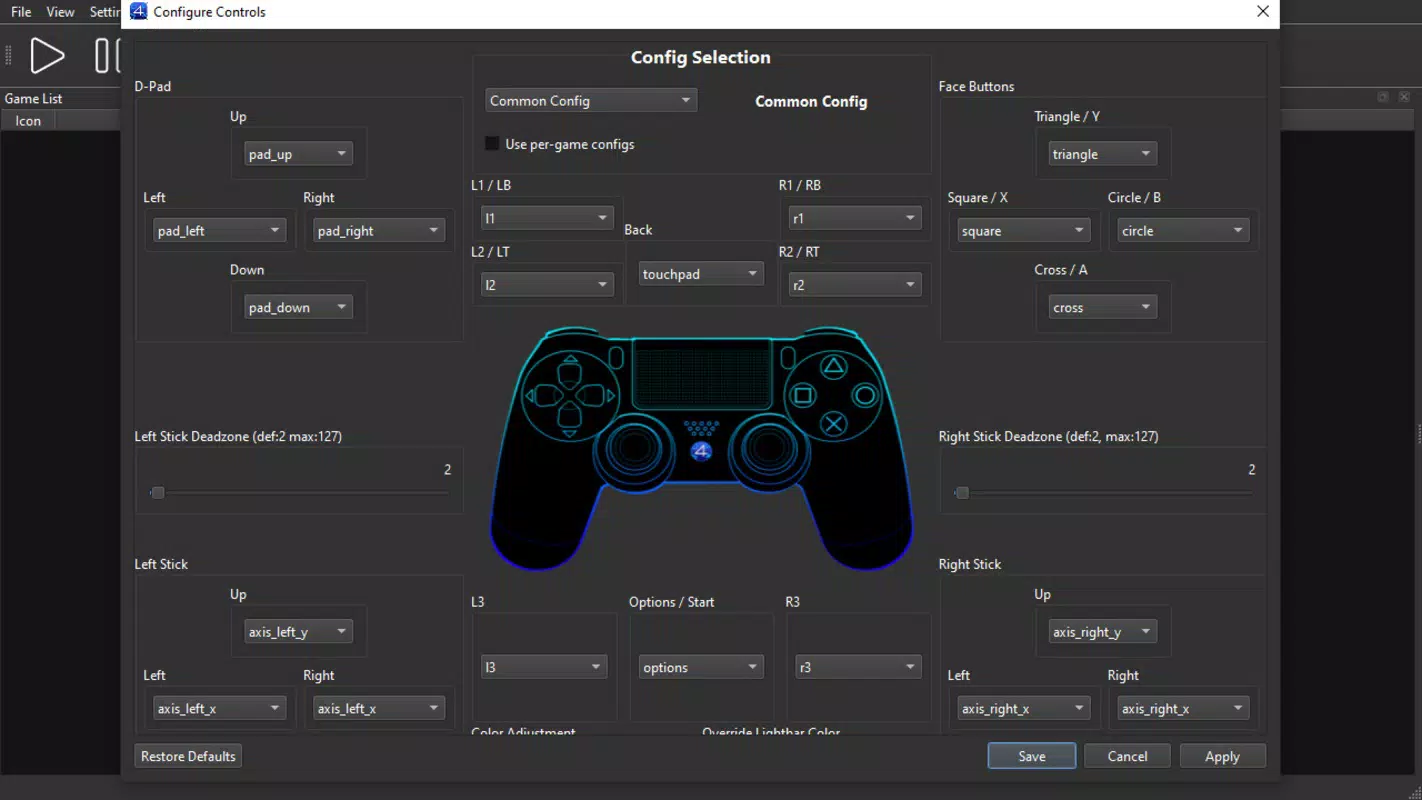
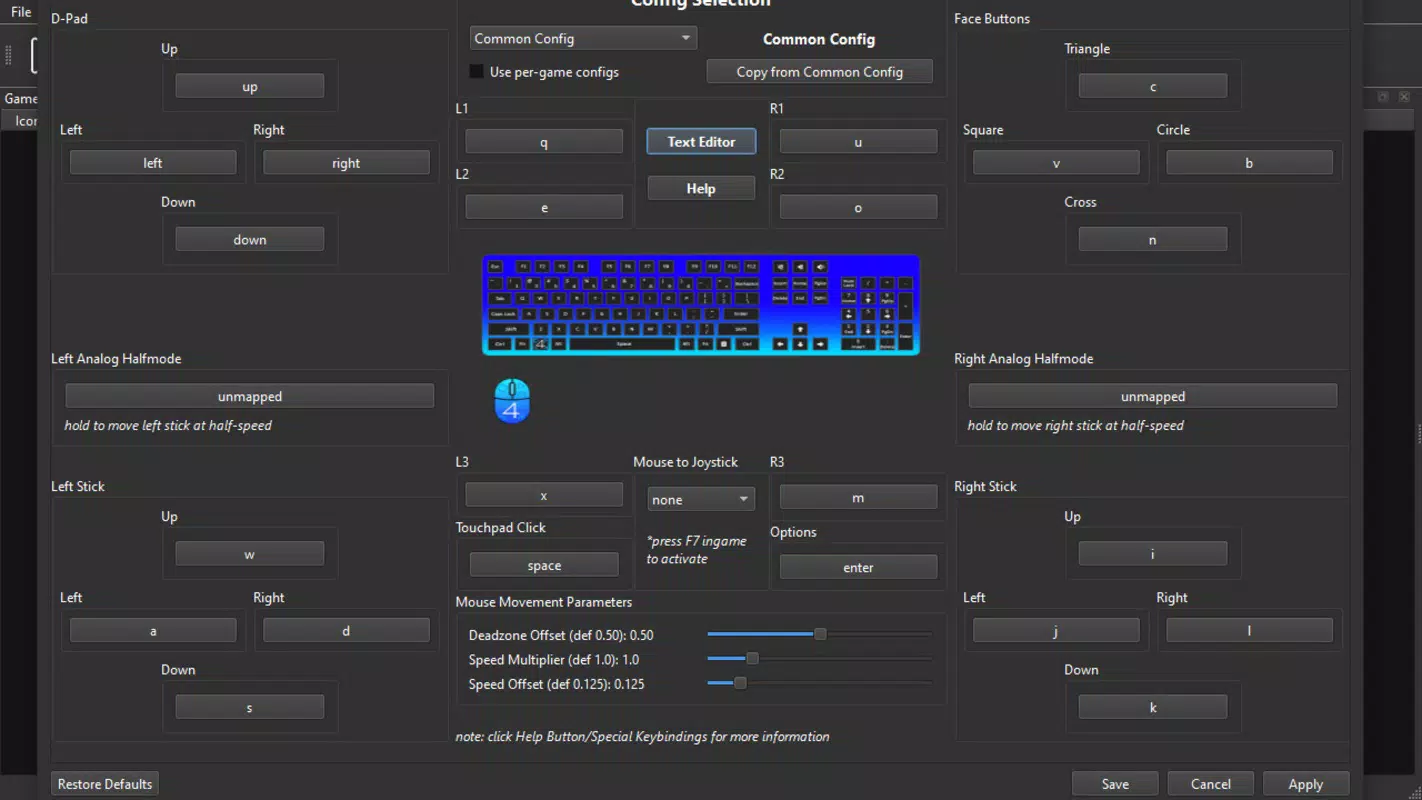
- Controller Support: The emulator supports keyboard input by default, but users can also configure PlayStation 4 or Xbox controllers for a more authentic gaming experience. This flexibility accommodates different play styles and enhances comfort during extended gaming sessions.
- Multi-Platform Availability: shadPS4 is available for both Windows and Linux, broadening its accessibility. This dual-platform support allows a wider audience to enjoy PS4 games on their preferred operating system, reinforcing its role as a versatile tool for PC gaming enthusiasts.
Interface, UX & Performance
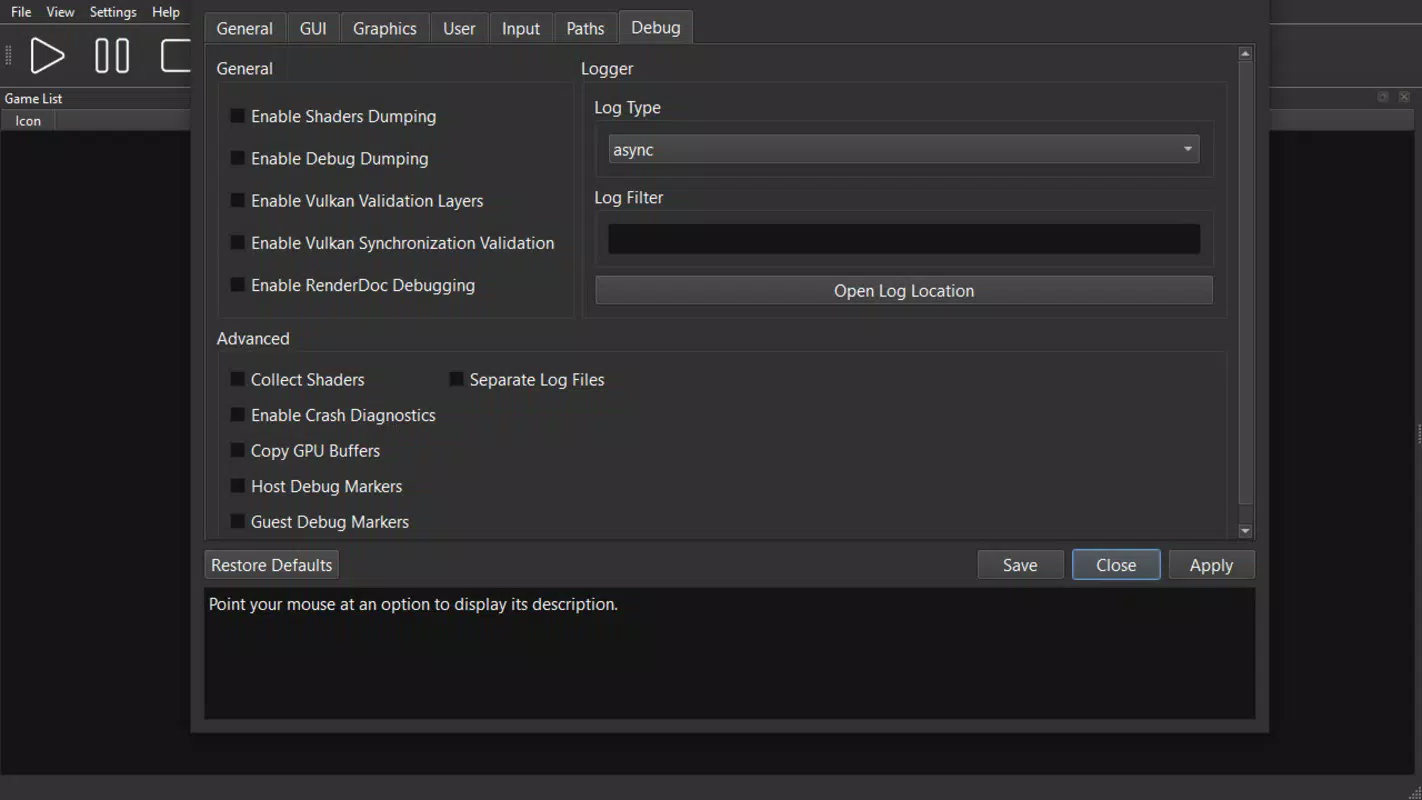
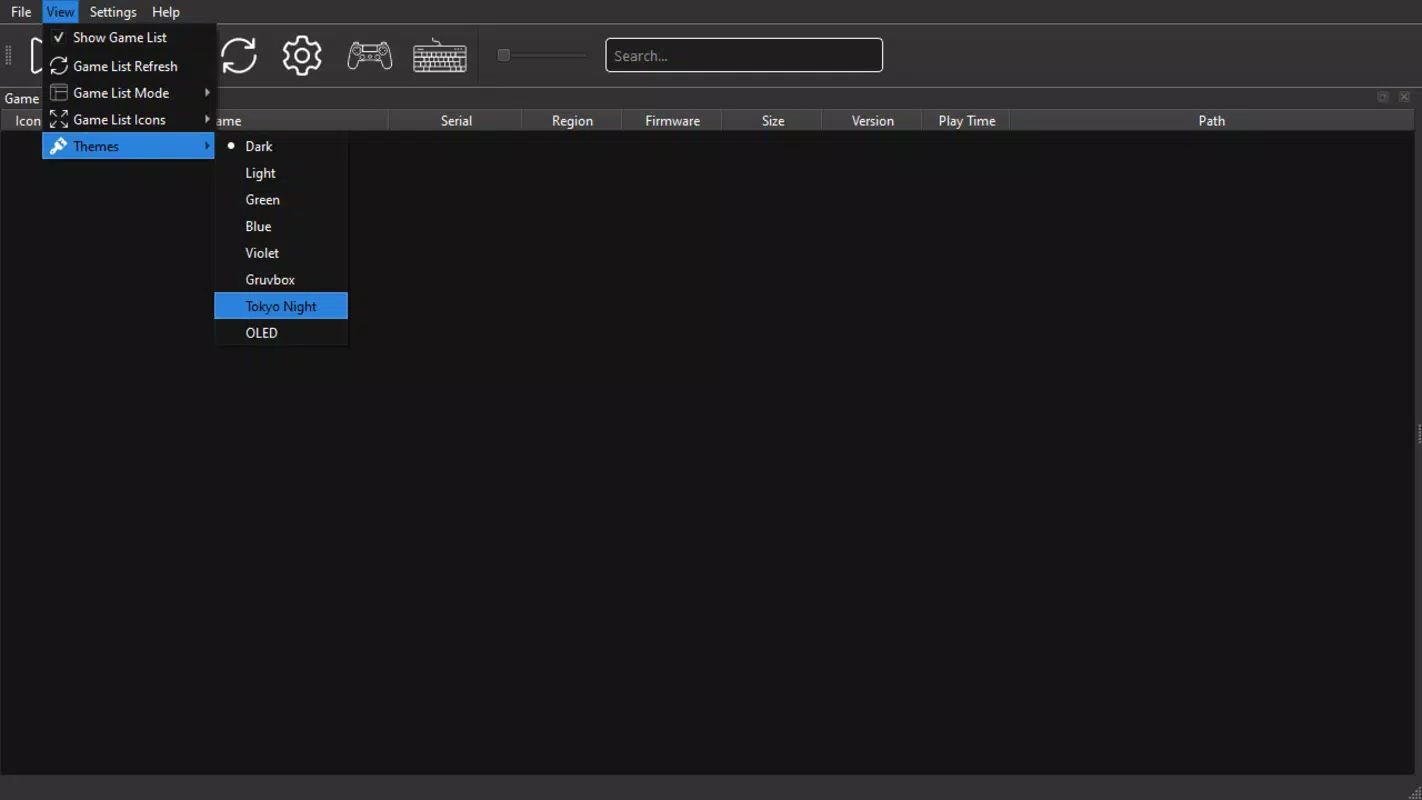
The user interface of shadPS4 is minimalistic and focused on functionality, with a clean layout that prioritizes essential controls. Navigation is straightforward, with clearly labeled tabs and menus that guide users through setup, game installation, and configuration. The visual style remains consistent with standard emulator design, emphasizing usability over aesthetic flair. While the developer did not list formal performance metrics, the emulator appears responsive during gameplay, with minimal lag reported in supported titles.
Performance may vary depending on the user’s hardware, particularly CPU, GPU, and RAM capacity. The emulator is designed to run efficiently on modern systems, but older or lower-end devices may experience reduced frame rates or instability. Although the developer did not specify minimum requirements, users are advised to ensure their system meets typical demands for gaming software. Stability is generally maintained during normal use, though occasional crashes or freezes may occur, especially when loading larger games. The lack of official performance benchmarks means users should rely on personal testing to assess suitability for their setup.
Platform Compatibility & Technical Requirements
shadPS4 is available for both Windows and Linux operating systems, making it accessible to a wide range of users across different computing environments. The current version is 0.2.0, with a file size of 135 MB, indicating a lightweight footprint relative to full console emulators. The app is distributed as a free tool, requiring no payment for installation or use.
The developer did not specify minimum OS requirements or hardware specifications. Compatibility information was not fully disclosed. Users should ensure their system meets general standards for running emulation software, including a capable processor and sufficient RAM. Additionally, the emulator requires Visual Studio Community to function properly, a dependency that must be installed separately. This requirement may pose a barrier for users unfamiliar with development tools, though it is a known prerequisite for the app’s operation.
Pros and Cons
- Free to download and use, with no hidden costs
- Supports both Windows and Linux platforms
- Offers a user-friendly setup with intuitive configuration options
- Includes growing compatibility with PS4 titles, including Bloodborne
- Supports controller configuration for improved gameplay
- Requires Visual Studio Community to run, which may be unfamiliar to average users
- Specific system requirements were not listed
- Performance may vary based on hardware capabilities
- Only PKG files are supported—no ROM compatibility
- Emulation status is still in early development; not all PS4 games are playable
FAQ
Is shadPS4 safe to download and use?
Yes, shadPS4 is a legitimate tool distributed by its developer. However, users should only download the app from the official website to avoid potential risks associated with third-party sources.
Can I play all PS4 games on shadPS4?
No, the emulator currently supports only a limited number of PS4 titles. The compatibility list is growing, but full support for all games is not yet available.
Do I need a PlayStation 4 to use shadPS4?
No, shadPS4 allows users to play PS4 games directly on their PC without owning a console. However, game files must be obtained legally through personal backups or purchases.
What is a PKG file, and how do I get one?
PKG files are official PlayStation 4 game packages. They can be extracted from a PS4 console using backup tools, but users must own the original game to do so legally.
Is shadPS4 regularly updated?
Yes, the developer maintains an active development cycle. Users are encouraged to check the official website for updates on new features, bug fixes, and expanded game compatibility.
Final Thoughts
shadPS4 represents a significant step forward in the world of PC gaming emulation, offering a free and accessible way to experience PlayStation 4 titles on Windows and Linux systems. Its growing compatibility, user-friendly setup, and support for controllers make it a compelling choice for fans of exclusive PS4 games. While the emulator is still in early development and requires additional tools like Visual Studio Community, its potential is clear. It appeals to tech-savvy users, retro gaming enthusiasts, and anyone eager to explore console gaming on their PC.
Despite limitations in performance and game availability, shadPS4 delivers strong value for its free price point. With continuous updates and expanding support, it is poised to become a go-to tool for PC-based PS4 emulation. For those looking to enjoy titles like Bloodborne without a console, the app offers a promising alternative.
Download shadPS4 now


